01
OpenFOAM case structure
Understanding the 0, constant and system folders, where dictionaries define fields, physics, mesh and run-time control.
OPENFOAM TRAINING · CFD RESEARCH TOOLKIT
This page presents a clean portfolio-ready summary of the OpenFOAM training, focused on case setup, meshing, mesh-quality control, boundary/initial conditions and introductory OpenFOAM programming.
foamCleanTutorials
blockMesh
checkMesh
surfaceFeatureExtract
snappyHexMesh -overwrite
paraFoam
CERTIFICATE
For privacy protection, the website version blurs the ID number, QR code and serial number.
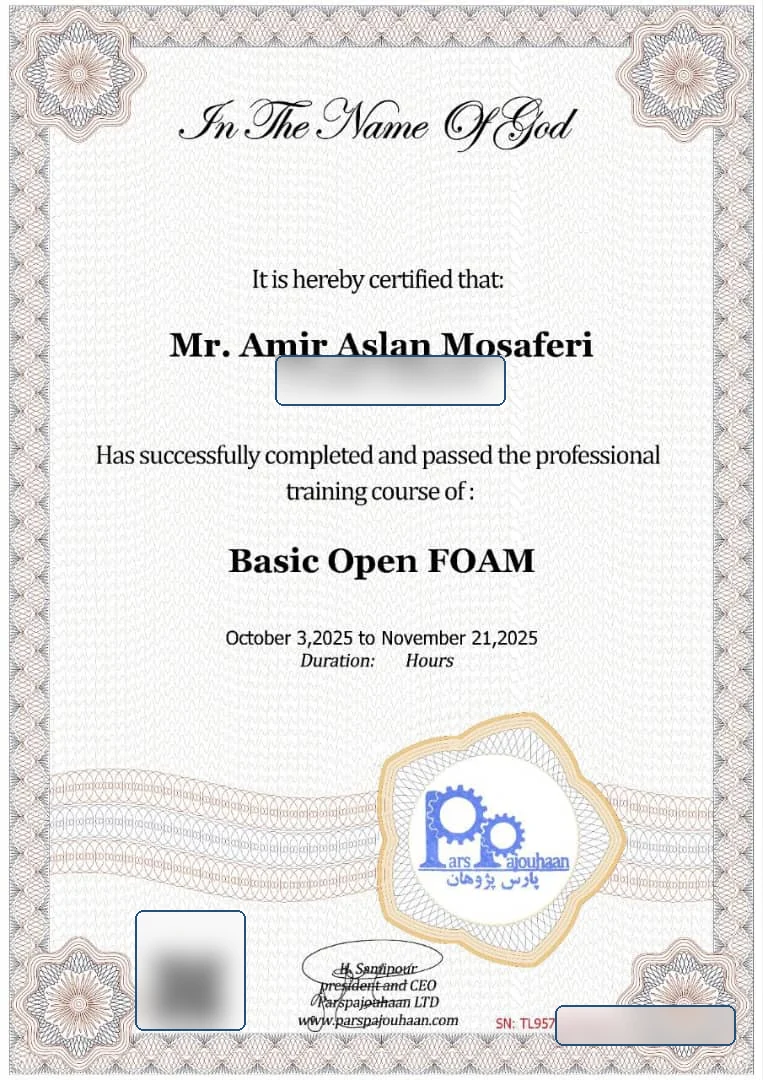 Privacy-safe
PARS PAJOUHAN INSTITUTE
This training strengthened my CFD research workflow through OpenFOAM case structure, meshing utilities and customized boundary/initial-condition setup.
WHAT I LEARNED
Understanding the 0, constant and system folders, where dictionaries define fields, physics, mesh and run-time control.
Creating simple domains through blockMeshDict: vertices, blocks, edges, boundary patches, simpleGrading and checkMesh quality review.
Meshing complex STL geometries with refinement, snapping, boundary layers and meshQualityControls to obtain body-fitted meshes.
Using #codeStream to write C++ directly inside dictionaries for custom boundary or initial conditions without full solver development.
Defining velocity profiles such as parabolic or paraboloid inputs using patch face centers and simulation time access.
Introductory high-level BC programming: building a new library with .C/.H files, compiling with wmake and linking it to solvers.
SNAPPYHEXMESH WORKFLOW
COMMAND CHEATSHEET
foamCleanTutorials
blockMesh
surfaceFeatureExtract
snappyHexMesh -overwrite
checkMesh -latestTime
paraFoam
foamNewBC -f -v myParabolicVelocity
cd myParabolicVelocity
wmake

# Load compiled library
libs ("libmyParabolicVelocity.so");
RESEARCH VALUE